Novastar NOVACLB-SCREEN | Logiciel de Calibration Écran LED | Uniformité Parfaite
Discounted price for professionals — Free B2B quote within 24h
Category: LED Screen Accessoires
Product images

Description
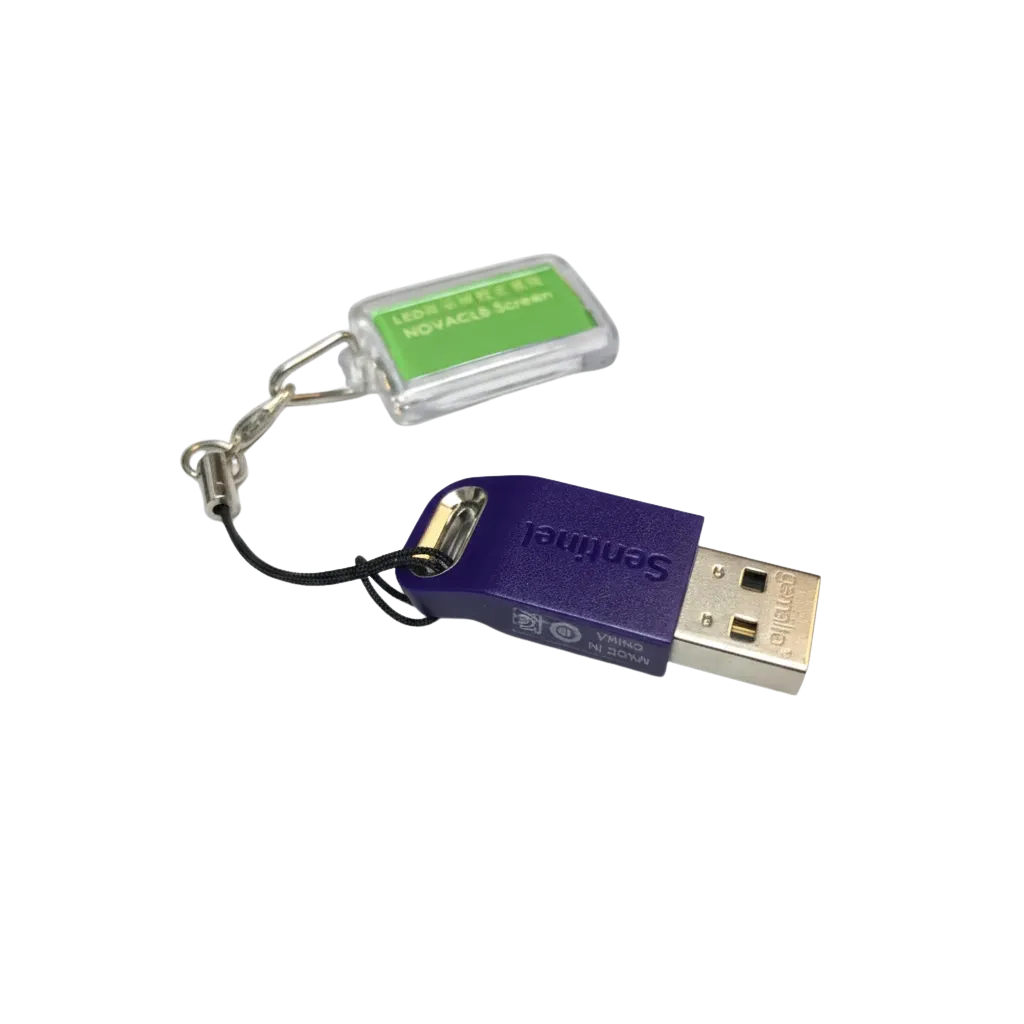
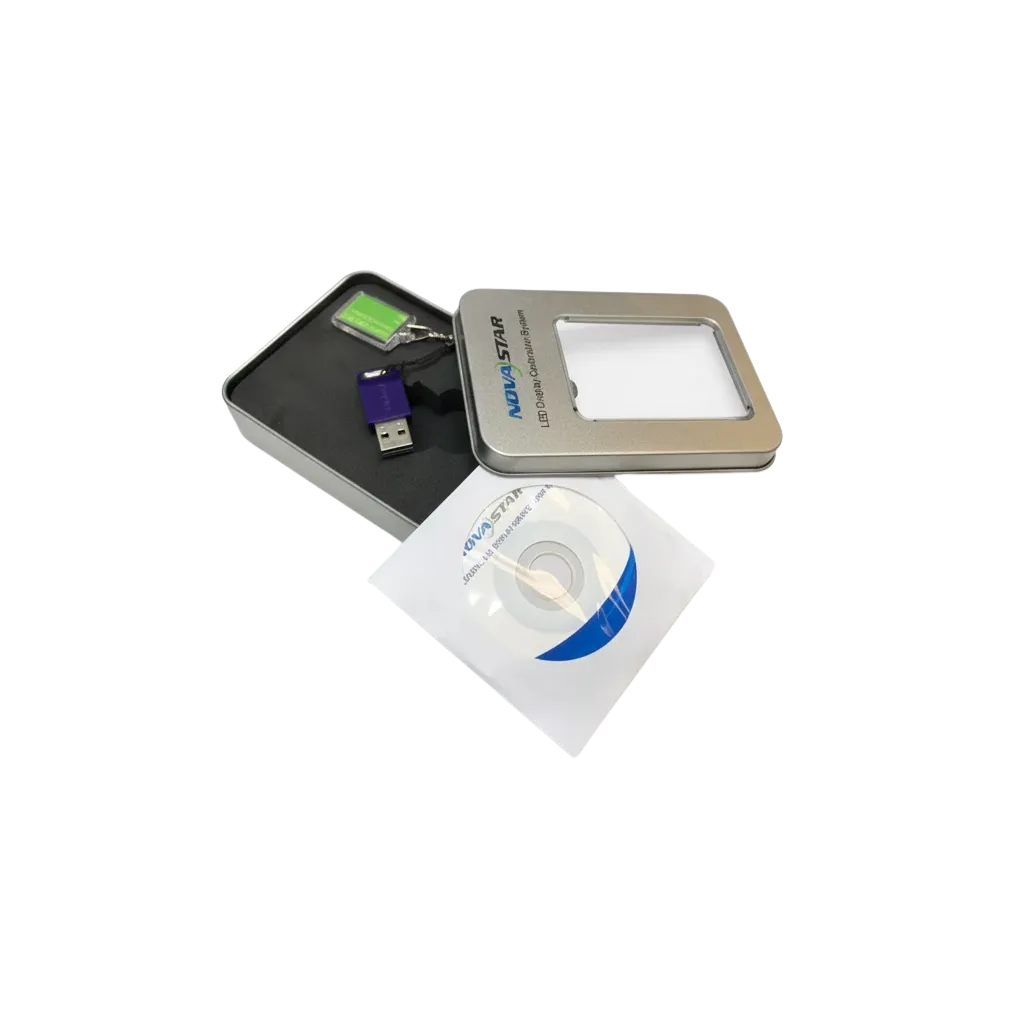
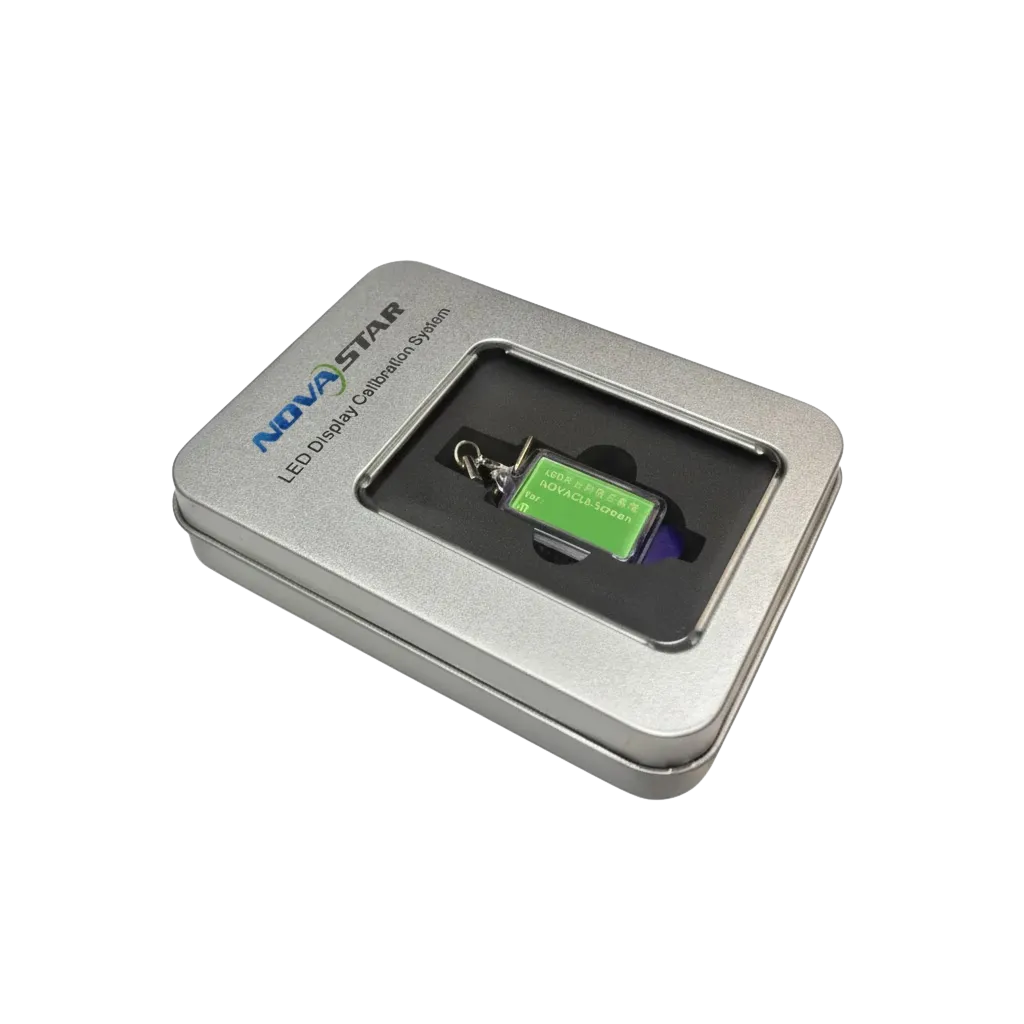
The Novastar NOVACLB-SCREEN is an industry-standard calibration software designed to achieve flawless pixel-to-pixel uniformity on professional LED displays. For international clients seeking studio-grade visual performance, this software solves the common industry challenge of brightness and chromaticity variance. By neutralizing differences between LED batches or aging pixels, it ensures a perfectly seamless canvas with zero visible seams or 'checkerboard' effects. Whether you are managing high-density SMD screens or rugged GOB surfaces, the NOVACLB-SCREEN allows you to unlock the full potential of your hardware, ensuring that every Nits of brightness and every hue of color is consistent across the entire video wall surface. As a cornerstone of the Novastar ecosystem, it represents the bridge between raw LED hardware and high-fidelity visual storytelling.
Technical Expertise
The Science of Pixel-Level Uniformity
In the world of professional LED displays, hardware alone doesn't guarantee a perfect image. Factors such as LED binning, thermal decay, and aging lead to inconsistencies in brightness and chromaticity. The NOVACLB-SCREEN software utilizes advanced image processing algorithms to generate 16-bit calibration coefficients. When these coefficients are uploaded to compatible Novastar receiving cards, the hardware performs real-time pixel correction.
Deep Technical Integration
- Precision Chromaticity: Goes beyond basic brightness leveling to correct the XYZ color coordinates of every individual SMD, ensuring wide color gamut accuracy.
- High Refresh Rate Stability: Calibration coefficients are processed at the hardware level, ensuring that even at refresh rates exceeding 3840Hz, the image remains flicker-free and uniform.
- Moiré Reduction: Advanced algorithms help minimize moiré patterns during the calibration process when using high-resolution scientific cameras.
- Seamless Module Integration: Eliminates the "bright lines" or "dark lines" at the edges of cabinets, a critical requirement for fine-pitch indoor displays.
By optimizing the contrast ratio through uniform black levels and balanced highlights, this software is essential for maintaining the long-term ROI of any LED installation.
Use Cases
Professional Deployment Scenarios
The Novastar NOVACLB-SCREEN software is indispensable across various high-stakes sectors where visual integrity is non-negotiable:
- Broadcast & Virtual Production: Essential for XR stages and TV studios where disparate LED modules must perfectly match under the scrutiny of 4K cinema cameras.
- Control Rooms: Ensures that data visualizations and multi-window layouts are clear and legible across massive surfaces without distracting brightness variations.
- High-End Retail: Helps luxury brands maintain color accuracy for digital signage, ensuring brand logos look identical across different screen sections.
- Rental & Events: A vital tool for matching different batches of rental cabinets, allowing older and newer stock to be used together in a single, cohesive wall.
- Corporate Lobby Displays: Provides a "seamless" look for large-scale architectural pixels where high contrast and uniform whites are required for a premium aesthetic.
Technical Tips
Expert Technical Advice for Calibration
Achieving a successful calibration requires more than just software; it requires a controlled environment and correct hardware synchronization. Here are expert tips for using NOVACLB-SCREEN:
- Environmental Control: Always calibrate in a dark environment to prevent ambient light from skewing the camera’s sensor readings.
- Hardware Requirements: Calibration must be paired with a supported scientific-grade camera (such as those from Canon or specialized colorimeters).
- Warm-up Period: Allow your LED wall to run at 50% white for at least 30 minutes to stabilize the thermal state of the SMDs and the power supply units (PSUs) before measuring.
- Viewing Angle Considerations: Ensure the calibration camera is positioned perpendicular to the center of the screen to minimize shifts in the perceived color caused by the LEDs' viewing angle.
- Backup Coefficients: Always save a copy of the generated calibration database externally to allow for quick restoration after a receiving card replacement.
Technical Specifications
| Specification | Value |
|---|---|
| LED Lifespan | Env. 100 000 heures |
| Color Temperature | 6500k |
| Operating Temperature | -10°C-+50°C |
Frequently Asked Questions
À quelle distance peut-on regarder un écran LED pitch N/Amm ?
Ce produit étant un logiciel de calibration, la distance de recul dépend du pitch physique de vos dalles LED. En règle générale, multipliez le pitch par 1000 pour obtenir la distance de confort en mètres.
Quels sont les avantages d'un écran LED intérieur ?
Un écran LED intérieur offre un contraste élevé et une luminosité ajustable. L'utilisation du logiciel NOVACLB-SCREEN garantit une uniformité visuelle sans effet 'damier' après plusieurs années d'utilisation.
Comment installer un écran LED géant Novastar NOVACLB-SCREEN | Logiciel de Calibration Écran LED | Uniformité Parfaite ?
L'installation nécessite une caméra de calibration compatible et le logiciel NOVACLB-SCREEN. Le système capture chaque module pour ajuster les coefficients de correction directement dans les cartes de réception Novastar.
Quelle est la durée de vie d'un écran LED professionnel ?
Un écran LED professionnel dure environ 100 000 heures. Le logiciel de calibration Novastar permet de prolonger la qualité visuelle perçue en compensant le vieillissement naturel des diodes LED.
Quel prix pour un écran LED pitch N/Amm ?
Le prix dépend de la surface totale et de la résolution. Pour le logiciel NOVACLB-SCREEN et une prestation de calibration sur site, contactez PIXELIGHT pour un devis personnalisé adapté à votre parc d'écrans.